
Printing SetUp
Step 1: Turn on your bluetooth and pair with the printer. Enter pin “0000” .

Step 2: Then open your POS App. Go to settings. The tap Printer setup

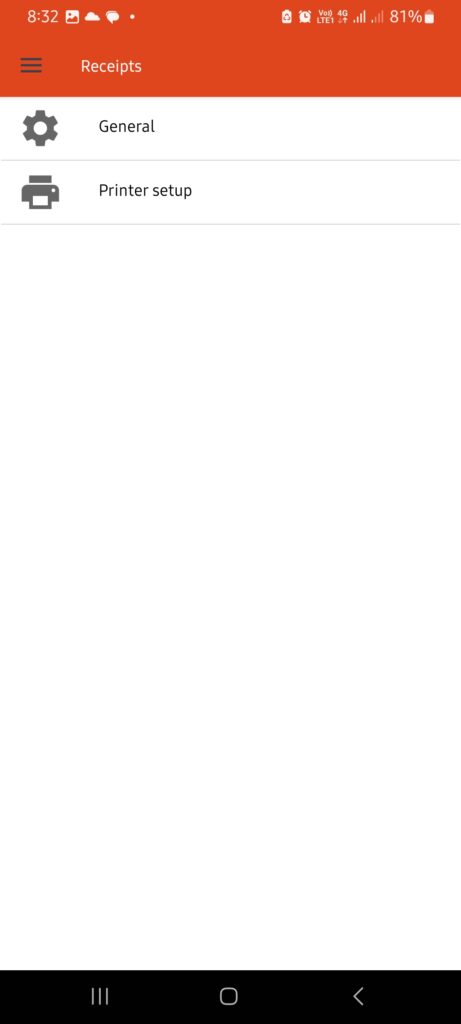
Step 3: If you have no printer selected, tap “Scan devices” to find your printer.


Step 4: Go to to the receipt you tent to print. Tap to “print receipt”
