Log In & Log Out Process
This is to explain the login and logout steps in Mwingi POS app.
Login Process
Step 1: To log in you have to assign your email and password assigned to you then tap “Login”. In case it refuses, please contact your FRO for the issue to be set.

Step 2: After login, the app will take you to a list of shops. Select your current shop you are working on. It will load then direct you to the sales page

LogOut Process
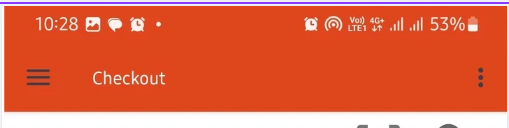
Step 1: The app will open to the Checkout and Make sale page as shown on the first picture.

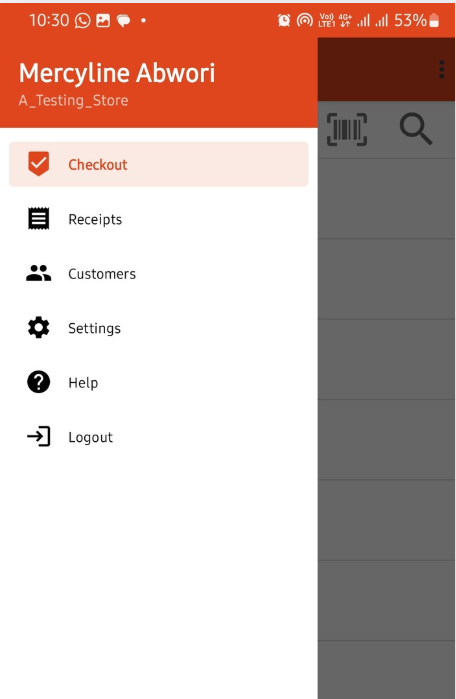
Step 2: To log out, tap on the menu bars it will open a side bar as shown in the second picture.
Step 3: You notice the Logout in the list sidebar. Tap it incase of logging out. This will take you back to the log in page.